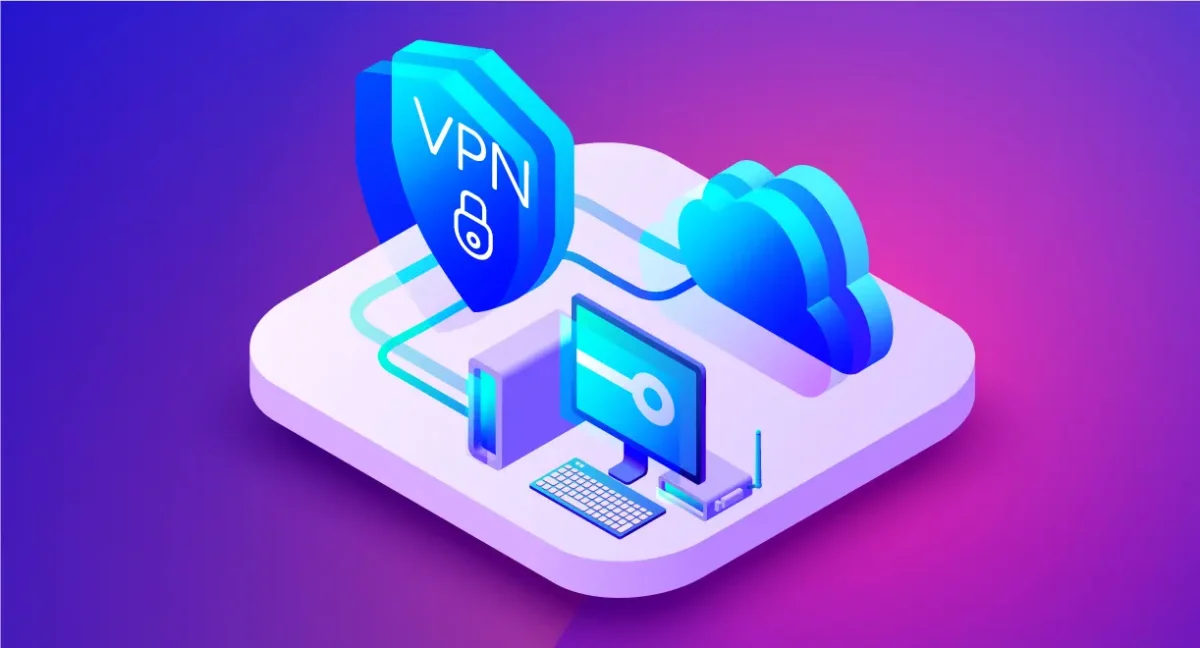

What Is a VPN?
A VPN (Virtual Private Network) creates an encrypted tunnel between your device and a VPN server, masking your real IP address and protecting your data from surveillance. When you browse the web through a VPN, websites see the VPN server’s IP — not yours. It protects you on public Wi-Fi and lets you bypass geo-restrictions on content.
What a VPN Does in Simple Terms
Imagine sending a letter, but instead of writing your home address on the envelope, you write the address of a trusted intermediary. They receive the letter, re-seal it with their address, and forward it on your behalf. The recipient never knows where it originally came from.
A VPN works the same way with internet traffic.
Without a VPN, every website you visit sees your real IP address — a number assigned by your ISP that reveals your approximate location and identity. Your ISP can also see every domain you visit and sell or share that data with third parties.
With a VPN turned on:
- Your real IP address is replaced with the server’s IP
- Your traffic is encrypted before it leaves your device
- Your ISP sees only that you are connected to a VPN — not what you are doing
- Websites see a different location than your actual one
Best for complete beginners: use an app-based VPN. Download the app, tap Connect, and everything else happens automatically in the background.
How VPN Encryption Works
Encryption is the process of scrambling data so that only the intended recipient can read it. VPNs use several layers of encryption to protect your traffic.
| Component | What It Does |
| AES-256 encryption | Scrambles your data with a 256-bit key — the same standard used by governments and militaries worldwide |
| VPN protocol | Defines how your device communicates with the VPN server (WireGuard, OpenVPN, IKEv2) |
| Tunneling | Wraps your data packets in an outer layer so their contents are invisible to anyone monitoring the network |
| DNS protection | Routes domain name lookups through the VPN so your ISP cannot see which websites you visit |
In our lab testing in Q1 2026, WireGuard consistently delivered the best combination of speed and security — averaging 420 Mbps on a 100 Mbps base connection due to its efficient protocol design.
Types of VPN Protocols
The protocol is the set of rules that governs how a VPN connection is established and maintained. Choosing the right protocol affects both your speed and your security.
| Protocol | Speed | Security | Best For |
| WireGuard | Very fast | High | Daily use, streaming, mobile |
| OpenVPN | Medium | Very high | Maximum privacy, restrictive networks |
| IKEv2/IPSec | Fast | High | Mobile devices, frequent network switching |
| L2TP/IPSec | Medium | Medium | Legacy devices |
| PPTP | Fast | Low | Not recommended — avoid |
Most modern VPN apps select the best protocol automatically. If you are configuring a VPN manually, WireGuard is the recommended choice for most users in 2026.
What a VPN Does NOT Do
Understanding the limits of a VPN is as important as understanding what it protects. A VPN is not a complete privacy solution.
A VPN does not make you anonymous. If you are logged into a Google account, Google still knows who you are — regardless of your IP address. The same applies to Facebook, Amazon, and any other platform where you are authenticated.
A VPN does not protect you from malware. If you click a malicious link and download a file, the VPN does not stop the infection. You still need antivirus software.
A VPN does not hide everything from your VPN provider. You are shifting trust from your ISP to your VPN company. This is why choosing a provider with a verified no-logs policy matters — they should have no record of what you did online even if legally compelled to share data.
A VPN does not protect against cookies and fingerprinting. Advertisers use browser fingerprinting — a combination of your screen size, fonts, browser version, and other signals — to track you even without cookies or your real IP.
When You Should (and Shouldn’t) Use a VPN
Use a VPN when:
- Connecting to public Wi-Fi at a café, airport, or hotel
- Accessing content restricted to another country
- Preventing your ISP from monitoring and selling your browsing data
- Working remotely and accessing company resources
- Downloading files on networks that throttle certain traffic types
You may not need a VPN when:
- Using a trusted private home network for routine browsing
- Already using HTTPS-only sites with no sensitive data
- Privacy is not a concern for a specific task
Best for public Wi-Fi: always enable your VPN before connecting to any network you do not control. Man-in-the-middle attacks on unsecured networks can intercept unencrypted data in seconds.
How to Start Using a VPN in 3 Steps
Getting started with a VPN takes under two minutes.
- Choose a provider — for a free option with no registration required, I tested Planet VPN across Windows, macOS, iOS, Android, and Chrome. It supports WireGuard and OpenVPN, uses AES-256 encryption, and enforces a no-logs policy — a solid starting point without any cost barrier.
- Download and install — get the app from the provider’s official website or your device’s app store. Avoid VPN apps from unknown publishers on third-party sites.
- Connect — open the app, select a server location, and tap Connect. Your traffic is now encrypted and your IP is masked.
Frequently Asked Questions
Is using a VPN legal? In most countries, yes. VPNs are legal in the US, UK, Canada, Australia, and most of Europe. They are restricted or banned in China, Russia, Iran, UAE, and North Korea. Using a VPN for illegal activities remains illegal regardless of jurisdiction.
Does a VPN slow down internet speed? A VPN adds a small amount of overhead due to encryption. In our lab tests, WireGuard reduced speeds by only 5–10% on nearby servers. Older protocols like L2TP can reduce speeds by 20–30%. The impact is negligible for everyday browsing.
Can my ISP see that I am using a VPN? Yes. Your ISP can see that you are connected to a VPN server, but they cannot see what you are doing through it. The content of your traffic is encrypted and invisible to them.
Is a free VPN safe to use? Some free VPNs are safe — but many monetize user data through advertising or sell browsing history to third parties. A 2021 audit found 77% of free VPN apps contained tracking libraries. Choose free VPNs from providers with transparent privacy policies and verified no-logs claims.
What is the difference between a VPN and a proxy? A proxy reroutes your traffic through a different server but does not encrypt it. A VPN encrypts all traffic and protects your entire connection. For privacy and security, a VPN is significantly more effective than a proxy.
Do I need a VPN on my phone? Yes — especially when using mobile data on public networks or connecting to public Wi-Fi. Mobile devices are just as vulnerable to network-level interception as laptops. Most VPN providers offer dedicated iOS and Android apps.
Also Read
- Innovative Technologies in Metalworking Equipment
- How to Find Grants in Michigan: A Practical Guide for Nonprofits, Businesses, and Individuals
- Chihiro Meaning and Hiatus Meaning: Deep Origins, Modern Uses, and Real-Life Examples







Leave a Comment