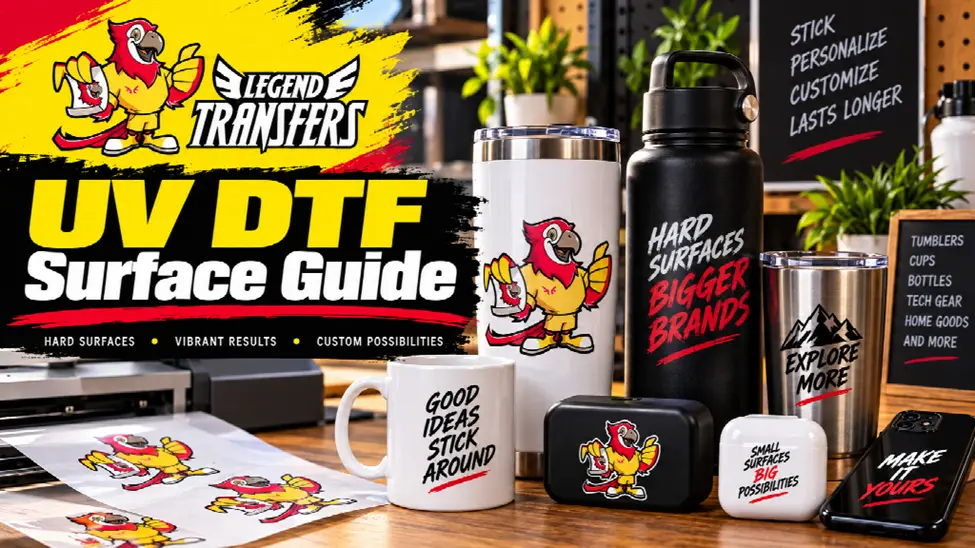

UV DTF projects often begin with the design, but the surface deserves equal attention. A graphic that fits one hard good well may be awkward on another because the available application area, texture, curvature, seams, edges, or handling conditions are different.
The practical question is therefore not simply, “Can I put a UV DTF graphic on this item?” A better question is, “Is this specific surface a good candidate for this specific design and application method?”
That shift in thinking helps decorators and product sellers avoid treating every bottle, cup, container, panel, or hard good as if it were the same.
Evaluate the Application Area First
Before selecting the graphic size, identify the actual usable area. Product dimensions alone can be misleading. Handles, seams, curves, lids, raised details, edges, and changes in surface shape can reduce the amount of flat working space.
A design that technically fits within the overall width of an item may still be too large for the clean application zone.
Start by identifying where the design should sit when the product is viewed normally. Then measure the usable area rather than the entire object.
Look at Surface Texture
A visually smooth object may still contain subtle texture. Powder-coated surfaces, molded plastics, textured finishes, painted objects, and other materials can behave differently from a truly smooth panel.
Do not assume that appearance alone confirms compatibility. When the product or finish is unfamiliar, a representative test is more useful than a general rule.
Businesses exploring UV DTF transfers should make surface evaluation part of product selection instead of waiting until finished inventory is ready for decoration.
Check Curves Before Finalizing Size
Curved surfaces require different planning from flat ones. A small design may sit comfortably on a gentle curve while a wide graphic can become more difficult to position consistently.
The challenge increases when the design contains straight baselines, borders, or geometric elements because small placement variations can become more visible.
One useful approach is to create a physical placement template before applying the final design. A paper mockup can reveal whether the artwork feels oversized, sits too close to a handle, wraps farther than expected, or becomes visually distorted around the object.
Avoid Seams and Abrupt Edges
Whenever possible, keep important design elements away from seams, sharp transitions, deep recesses, and abrupt edges. Those areas can make alignment more difficult and may interrupt the visual appearance of the graphic.
This is particularly important for text. A decorative background may tolerate a slightly awkward transition, while a brand name crossing a seam can become hard to read.
Design placement should therefore be planned around the physical object rather than centered automatically according to overall dimensions.
Prepare the Surface Consistently
Application quality depends on a consistent working process. The intended area should be inspected before decoration. Dust, fingerprints, residue, packaging debris, or other contamination can interfere with a clean application process.
Use a preparation method appropriate for the item and its finish. Avoid assuming that one cleaner or preparation technique is appropriate for every material. When the manufacturer’s care instructions are available, follow them.
The goal is repeatability: the first item and the fiftieth item should be prepared using the same controlled method.
Test the Actual Product
A sample test is especially valuable when decorating inventory for resale. Testing a different material may provide limited information if the actual product has another coating, texture, or shape.
Use a representative item from the real production batch when practical. Evaluate placement, visual appearance, edge positioning, and normal handling before committing an entire quantity.
If several product types are involved, treat them as separate applications. Success on one bottle or container should not automatically become approval for every other hard good in the order.
Design for the Object
UV DTF artwork should be selected with the product in mind. Dense graphics, small logos, long horizontal designs, circular marks, and tall vertical graphics each interact differently with available space.
For example, a long design may work well on a flat panel but become difficult to position on a narrow cylindrical object. A compact logo may be easier to reproduce consistently across several product sizes.
This does not mean every product needs unique artwork. It means the decorator should identify which designs are flexible enough to work across the intended product range.
Create an Application Standard
Once a successful test is complete, record what worked. Note the design size, placement reference, orientation, surface-preparation method, and product used.
For recurring jobs, a physical jig, ruler reference, or simple visual guide can make application more consistent across multiple items.
Businesses working with custom UV DTF stickers can treat this information as part of the product specification rather than relying on an employee to remember where the last batch was positioned.
Know When to Stop
Not every object is automatically a good candidate. If the usable area is too small, the texture is highly irregular, the design crosses major seams, or a representative test does not produce an acceptable result, changing the product or design may be smarter than forcing the application.
A surface guide is ultimately a decision tool. Evaluate the real application area, texture, curvature, preparation requirements, artwork shape, and test result. When those factors align, production becomes much easier to standardize. When they do not, discovering the problem before decorating finished inventory can save significant time and material.
Also Read
- https://grammerway.com/celebrate-with-speed-the-ultimate-guide-to-a-go-kart-racing-birthday-party/
- https://grammerway.com/the-future-of-digital-creativity-with-ai-face-swap-and-ai-clothes-changer-tools/
- https://grammerway.com/how-architectural-hardware-shapes-the-feel-of-a-space/







Leave a Comment