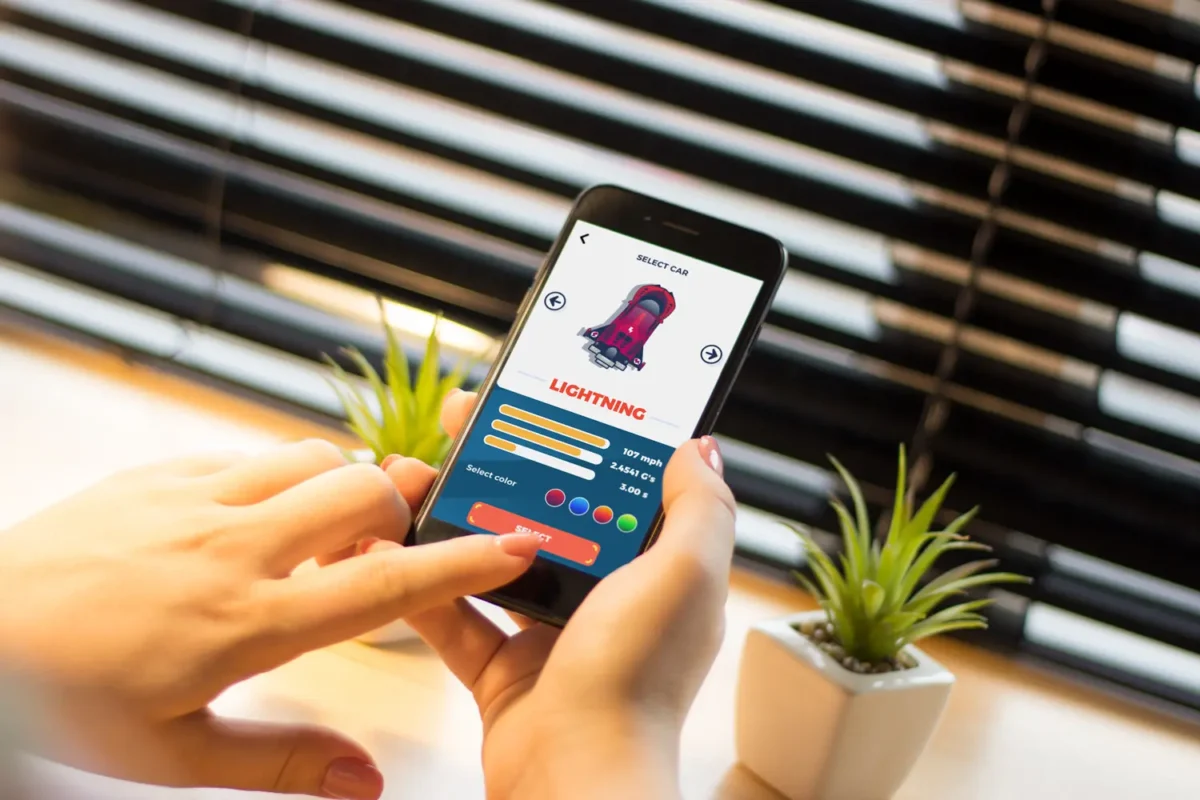

Designing a mobile app that captures users’ attention and fosters engagement requires more than imagination alone. Success in mobile app design hinges on a strong command of user interface (UI) components, the patterns that underpin them, and their visual presentation. Leveraging a comprehensive app design gallery allows designers to access curated UI elements that streamline the process, saving valuable time and effort while prioritizing consistency and user experience.
Well-structured UI galleries provide a foundation of proven design elements, making them indispensable resources in a fast-paced, increasingly competitive market. These repositories not only offer creative inspiration but also foster adherence to best practices. As a result, designers are empowered to make informed choices, reducing development friction and often achieving higher user satisfaction.
Streamlining the Design Process
UI element galleries serve as centralized collections of reusable components and templates, facilitating faster decision-making and enabling designers to select the best available options. Instead of creating each component from scratch, designers can use pre-made solutions, which enhances workflow efficiency. Google’s Material Design library exemplifies this by providing resources that maintain consistency across different platforms.
This method allows even novice designers to produce professional results by adhering to established frameworks. It democratizes quality design, fostering creativity while ensuring structure. Experienced designers also benefit, as a comprehensive library minimizes repetitive tasks, allowing more focus on innovative work. Over time, this streamlining reduces bottlenecks, accelerates project timelines, and enables rapid prototyping iterations.
Ensuring Consistency Across Applications
Consistent interfaces in mobile apps enhance user confidence by featuring familiar UI elements such as buttons and navigation bars. This streamlines development, improves usability, and strengthens brand identity across platforms such as iOS, Android, and the web. UI galleries serve as templates, maintaining consistent messaging, color schemes, and layouts, which is particularly helpful in organizations with multiple teams, as it minimizes confusion.
Staying Updated with Design Trends
Mobile app design rapidly evolves as new techniques and user preferences emerge. Leading UI galleries are updated to showcase current trends across major platforms and popular apps. For instance, floating toolbars in Google Photos exemplify ongoing efforts to simplify navigation and improve accessibility. Referencing these galleries helps designers align with user expectations and keep their designs fresh. Adopting current trends ensures an app’s appearance feels modern and relevant. Galleries feature both experimental and mainstream designs, fostering innovation and the development of new trends. Regularly exploring these resources provides designers with insights to remain competitive in crowded app markets.
Facilitating User-Centered Design
User-centered design remains the cornerstone of any app’s success. UI element galleries elevate this approach by featuring components that have undergone usability testing and real-world validation. By implementing these elements, designers can shape straightforward, enjoyable experiences that delight users and drive retention and growth.
Iterative user testing and feedback loops are enhanced when the foundational UI components have already demonstrated positive outcomes in similar contexts. This reduces the trial-and-error phase and provides greater confidence in the final product. Using validated building blocks from UI galleries often means accessibility and inclusivity considerations are built in, supporting equitable digital experiences from the outset.
Enhancing Collaboration Among Design Teams
Effective teamwork is key to a unified digital product. By referencing a shared gallery of approved UI elements, cross-functional teams, including designers, developers, and product managers, can eliminate misunderstandings and maintain a cohesive vision. This shared language streamlines communication and fosters faster problem-solving, ensuring a smoother handoff from concept to final product.
Collaborative tools, such as Figma or Sketch, often integrate with or embed UI galleries, facilitating real-time collaboration on designs. These integrations mean everyone on the team has access to the latest elements, ensuring version control and up-to-date visual direction. In distributed or remote environments, such a system becomes even more valuable, removing geographical barriers and sustaining productivity.
Improving Accessibility and Inclusivity
Creating an app that is accessible to people of all abilities is a fundamental responsibility. Modern UI element galleries often feature components optimized for accessibility, including color contrast guidelines, screen reader-friendly structures, and scalable graphics. By using these resources, designers are better equipped to meet accessibility standards and offer inclusive experiences.
Adhering to accessibility best practices not only ensures compliance with regulatory requirements but also broadens the potential user base. As inclusivity becomes increasingly recognized as a benchmark of digital excellence, design teams that draw from accessible UI galleries are positioned as leaders in social responsibility. In addition, accessible elements tend to be more usable for everyone, resulting in cleaner, more intuitive interfaces overall.
Reducing Development Time and Costs
Efficiency becomes a major advantage when utilizing curated UI galleries. By skipping the time-intensive process of designing standard components, teams can focus on delivering value and differentiating their product in the marketplace. As a result, projects reach completion more swiftly, and resources can be allocated to functionality and polish rather than reinventing familiar elements. This reduction in development time translates into direct cost savings and faster time-to-market.
Moreover, leveraging proven designs minimizes the risk of costly revisions or unforeseen usability issues. With a strong foundation in place, teams can make focused tweaks and targeted enhancements rather than undergo exhaustive redesigns. Stakeholder satisfaction improves as predictable delivery timelines are met and product quality remains high.
Conclusion
Incorporating UI element galleries into mobile app design offers long-term advantages, such as streamlined workflows, reliable outcomes, enhanced accessibility, and greater user satisfaction. As standards and expectations rise, centralized design resources help keep mobile experiences intuitive, consistent, and competitive. Using galleries positions teams for success in a competitive environment.
Integrating UI galleries is more than just time-saving; it boosts the quality of digital products. As tools and design patterns advance, galleries remain essential for developing innovative, future-ready mobile experiences. For teams seeking to innovate and grow, consistent gallery use provides both inspiration and practical guidance, prioritizing the user experience.
Also Read
- Innovative Technologies in Metalworking Equipment
- How Routines and Activities Boost Quality of Life in Memory Care
- How Storytelling Helps Businesses Build Trust







Leave a Comment