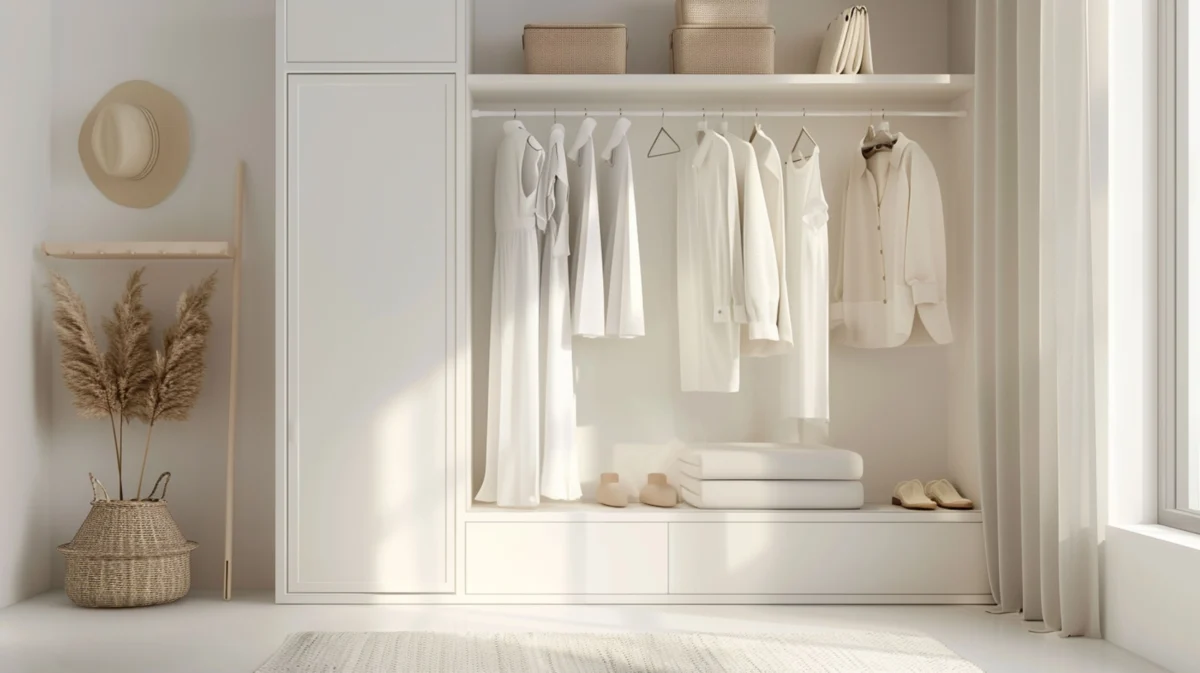

The classic problem with capsule wardrobes is that the math sounds elegant and the execution falls apart. Five tops, three bottoms, two layers, one outerwear piece. On paper it’s 30 outfits. In a fitting room it’s two outfits that work and twenty-eight that look fine on the hanger but wrong on you. The capsule article always shows photos of the items on a model. The model is not you.
What’s changed is that you can now see yourself in the actual items before you buy any of them. That doesn’t fix the bigger judgment calls about color theory or proportion, but it does turn the planning step from imagination to inspection. Here’s how to use AI try-on tools to build a capsule wardrobe with AI that actually works.
Start with the wardrobe gap, not the Pinterest board
Before you look at any new items, audit what you own. Pull every piece of clothing out and group them by slot: bottoms, tops, layers, shoes, outerwear. Most people discover one of two things. Either they have plenty of bottoms and almost no tops that go with them, or they have fifteen tops and three pairs of pants that fit. The capsule you build should fill the actual gap, not duplicate what you already have.
Write down the gap explicitly. “I need two pairs of structured trousers and one jacket that goes over both” is a brief. “I want a capsule” isn’t.
Pick a color spine first
Capsule wardrobes work because the items interchange. They interchange because the colors don’t fight each other. Pick a spine of two neutrals and one accent. Black plus camel plus a soft green. Navy plus cream plus burgundy. White plus grey plus a muted blue. Whatever the spine is, every item you add later needs to match at least two of the three.
This is the unglamorous part that does most of the work. You can be loose about brands, fabrics, and even fits, but if the color spine is disciplined, the outfits compose themselves.
Build the shortlist before the try-on
Browse two or three retailers with the spine in mind. Save URLs into a notes app or a wishlist. Aim for two to three candidates per slot. For trousers, that’s six candidates. For tops, maybe nine. Don’t try them on yet. The point of the shortlist is to give yourself enough variety to pick the right one without overwhelming the try-on session.
Try them on virtually
Now run each candidate through a virtual try-on tool. The good ones render you in the actual item using your face and body photo, not a generic model. Look at three things in each rendering:
How the proportions read on you. A trouser that looks slim on the hanger may read wider on your frame. A top that looks long on the model may hit you mid-hip.
Whether the color works against your skin tone. Camel reads warm on some people and yellow on others. Try-on shows you which.
Whether it pairs with at least one item you already own. The capsule isn’t the items in isolation; it’s the items together.
Eliminate ruthlessly
After the try-on session, cut your shortlist in half. Keep only the items that did all three things: proportions worked, color worked, paired with existing wardrobe. The temptation is to keep “maybes.” Don’t. A capsule has nine to twelve items, not twenty. The maybes are how capsules turn into closets.
Test the outfits before buying
Once you have your shortlist down to the right number, mock up the actual outfits. Most try-on tools let you render the same person in different items. Take the trouser candidate, the top candidate, the layer candidate, and view them sequentially. Mentally combine them. The ones that work as outfits are worth buying. The ones that work individually but don’t combine are not.
This is the step that separates a capsule that actually works from a wishlist of nice pieces. Outfits are the unit of analysis, not items.
Buy in waves, not all at once
Even after the try-on, the capsule should be built over weeks, not in one cart. Buy the foundation pieces first: the trousers, the basic tops, the layer that anchors most outfits. Wear them. See how they actually behave in your life. Then add the accent pieces in the next wave.
If something arrives and doesn’t match the rendering, return it. The point of the try-on was to reduce returns, not eliminate them. A 30 percent return rate without try-on can drop to under 10 percent with it, but the ones that do bounce back are still worth catching.
Save the wardrobe in the tool
The most underrated feature of capsule-friendly try-on tools is the digital closet. After each item ships and you keep it, save it in the tool. Once your closet is loaded, the tool can suggest outfits using only items you actually own, plus surface complementary pieces that would extend the capsule.
This is what turns the try-on tool from a one-time purchase aid into an ongoing styling assistant. The capsule isn’t done when you finish buying the pieces. It’s done when you stop having to think about what to wear in the morning.
Where this approach falls down
Two honest weaknesses. First, fit. Virtual try-on shows proportions and color well, but it cannot confirm whether a size 8 trouser will fit your actual waist. Brand-specific size charts and reading reviews still matter. Second, fabric behavior. The render shows the visual; it doesn’t show whether a fabric drapes or stiffens, breathes or doesn’t. Read product descriptions for the fabric content and adjust expectations.
For everything else, virtual try-on plus disciplined color spine plus an honest gap audit is enough to build a capsule wardrobe that holds together. It’s also enough to skip the part of capsule-building where you spend $800 and return $500 of it.
Also Read
- Elegance Redefined: The Ultimate Guide to Modest Dresses for Women
- Pendeja Meaning in English: Definition, Usage, Cultural Context, and Real-Life Examples
- Creative Custom Apparel Printing with HTVRONT D2 DTF Printer and Puff Vinyl Heat Transfer Technology







Leave a Comment