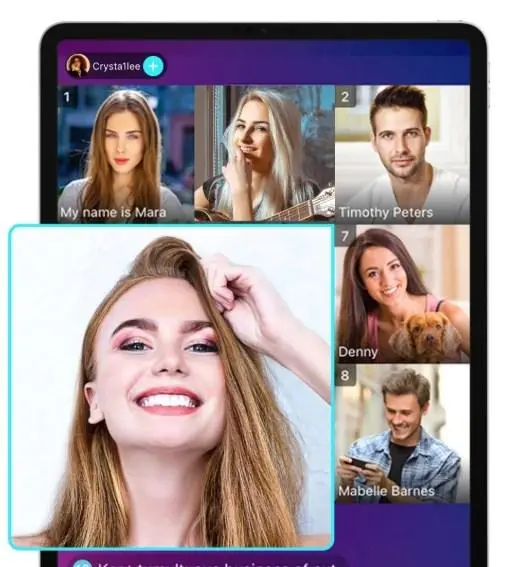

Bigo Live as a streaming platform has a bunch of different users that specialize in their own niches, especially video games. The video game niche of streaming is huge across a whole bunch of platforms besides Bigo Live, but some users don’t know how to stream games through the app itself. Bigo Live has a shockingly large community of video game streamers whether as a hobby or even professional and competitive. We’ll go over how to stream video games on Bigo Live and where you can find some gaming streamers to watch yourself!
Table of Contents
- 🎮 Why Should You Stream Games?
- 📱 Streaming Games Through Your Phone
- 🖥️ Streaming Games Through a PC
- 👥 Interactive Games
🎮 Why Should You Stream Games?
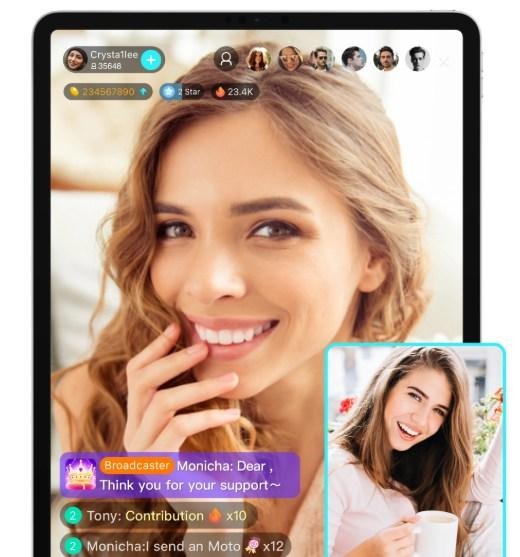
While a big part of streaming is being able to chat and interact with your audiences, people want something interesting and fun to watch at the end of the day. By having a specific niche in a hobby like video games, you get to share something you love to your viewers and have something engaging for them to watch and potentially share with more people. Lots of the most popular streamers on Bigo Live are gamers, whether casual or professional, and you can very easily become one of them! Want to get a VIP membership or more Diamonds on Bigo Live? Get a good deal on a bigo live recharge today!
📱 Streaming Games Through Your Phone
If you’re looking to stream some mobile games on your phone or tablet, you can on Bigo Live! First off, please make sure that you have the game already downloaded. Viewers typically aren’t gonna wanna watch you download a game as content. The stream might also slow down download times even for updates, so also make sure that your game is already updated and maybe run a test to ensure that it plays well while live too. After all that, you can find the ‘Game Live’ section when trying to go live.
When you go to the Game Live streaming section, Bigo Live will actually pull up all the mobile games you have on your mobile device. All you gotta do is pick the one that you want to stream so you can pick a stream title and caption. This game selection ensures that Bigo Live can put your live within a category of games so viewers searching can find your stream. After filling out your stream titles, you can simply go live and the app will automatically start streaming your screen. You’ll even see a Bigo Live icon on your screen to show what it’s recording so you can switch tabs to your game.
🖥️ Streaming Games Through a PC
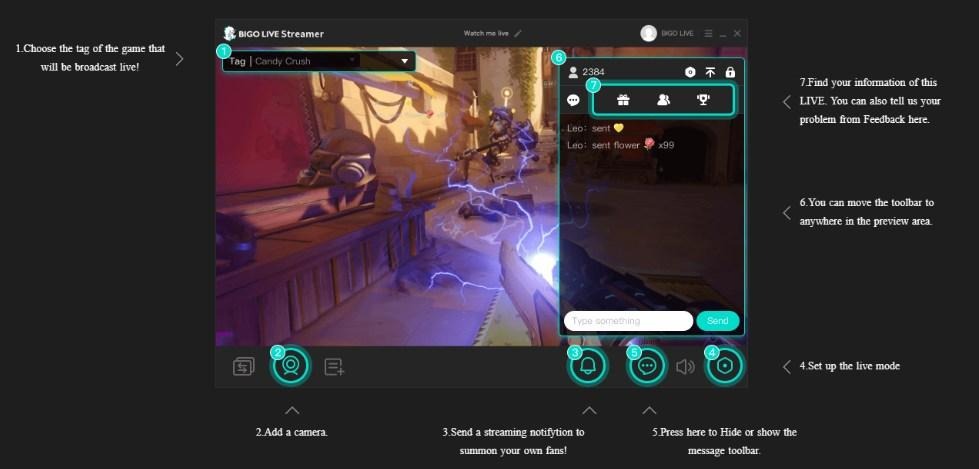
A lot of Bigo Live streamers actually prefer and recommend streaming video games through a PC or laptop instead. This is because the streams and games themselves are typically shown with a higher video quality to your audience. It also gives streamers a wider selection of some of the most popular games that are trending. Not only that, but using Bigo Live on a PC is arguably easier, especially when you use multiple monitors to keep track of your chats, donations, and livestream settings all while gaming. However, you’re gonna need Bigo Live software downloaded on your PC first.
To download the Bigo Live software, you gotta find it through the Bigo Live official website. Find the download that fits your PC’s specs and version, such as Windows 10 or 11. You’ll be given access to an installer that opens the Bigo Live app once installed. You will then need to use your Bigo Live app on the phone to stream through the Game Live section. However, you’ll scan a QR code that pops up that lets your stream record through your PC rather than the phone. Once that goes through, you should be all good to play and stream, though you can customize other options through your app settings on the PC platform.
👥 Interactive Games
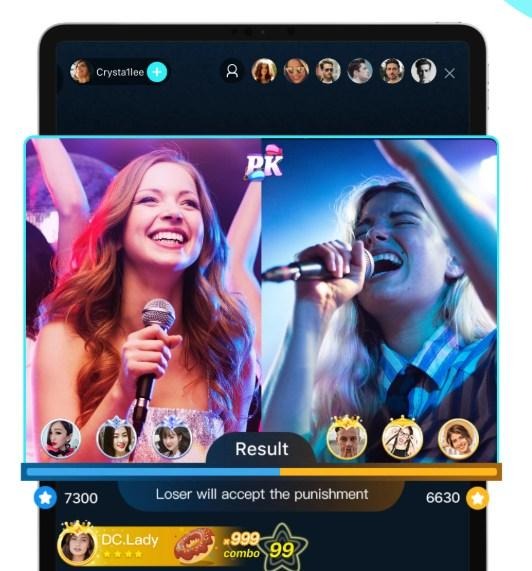
Along with streaming your video games to viewers, you can also play games with them through the Bigo Live app itself. Playing games with viewers can help build engagement and encourage them to chat more in the live or even share your stream to others to participate. While doing a regular live stream, you can find the ‘Play Center’ option in the live menu. From there, you can view a bunch of games that you and your viewers can play to add some extra fun to the live. There’s a long list of choices, so don’t forget to see the ‘More Games’ option to see which one your viewers might like.
The games themselves don’t usually have any prizes or incentives to them. They’re there strictly to add more engagement to your streams and help you bond with your viewers. If you’re wanting to play with some viewers on the games that you own, then you might have to look into some third party options or collaborate with some through private chat rooms.
Also Read
- Restoration Techniques That Bring Log Cabins Back to Life
- How New Windows and Doors Can Increase Your Home’s Resale Value in Churchville
- Comparing Off-Plan Properties Across Dubai’s Most Popular Communities







Leave a Comment